
How to create good MCQ questions in Quizzory
A good MCQ has one clear question line, one un-arguably correct option, and three wrong options that still look believable. In the SurveyHeart Quiz Builder you add a Multiple Choice question, type the stem and the options, tap the circle to mark the right one, and set the marks. The answer is graded for you, so you build the test once and let SurveyHeart score it.
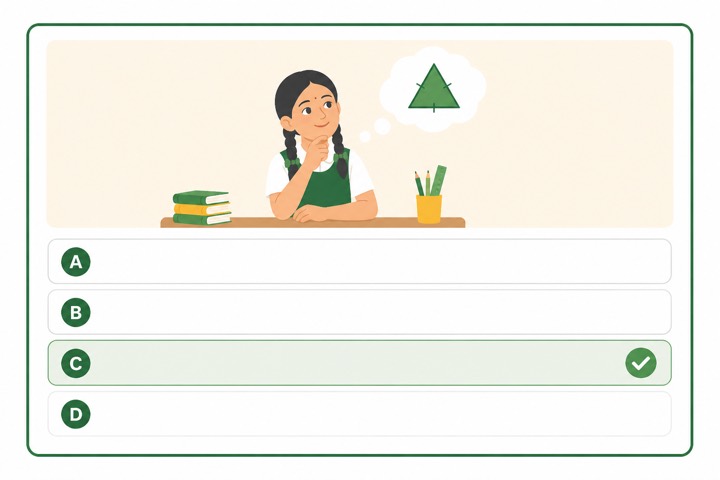
Steps to write a clear MCQ in Quizzory
Follow these in order for each question you add.
- 1
Add a Multiple Choice question in the Quiz Builder
Sign in to your free SurveyHeart account, open the Quiz Builder, tap to add a question, and set its type to Multiple Choice. This is the type SurveyHeart grades on its own, so once your key is set you never mark these by hand.
- 2
Write a stem that stands on its own
Type the question so a student could answer it with the options hidden. Good: Which gas do plants take in during photosynthesis? Weak: Photosynthesis. Ask one thing only, and avoid not or except in the stem, since negatives trip up students who actually know the answer.
- 3
Write four options with believable distractors
Add four options and make the three wrong ones plausible. Build each wrong option from a real mistake students make, not a throwaway. For the gas question use Carbon dioxide (correct), Oxygen, Nitrogen, Hydrogen. Keep all four about the same length, since a much longer option often gives the answer away.
- 4
Mark the one option that is clearly correct
Tap the circle next to the right option to mark it. There must be exactly one un-arguably best answer, or auto scoring breaks. Skip All of the above and None of the above, they make guessing easy and confuse the report.
- 5
Set the marks and move the answer around
Set the marks in the marks field, usually 1 for a recall question. As you add questions, do not always make the first option correct, mix which slot is right so students cannot pattern-guess. A wrong answer scores zero, there is no negative marking.
- 6
Repeat, preview, then share the link
Add the rest the same way. Use Preview Quiz to take your own test once and catch a typo or a second right answer, turn on Timed Tests if you want a clock, then share one link on WhatsApp. Students attempt in any phone browser, no app and no login needed just to attempt.
The same test, on every student phone
A timer that submits on its own, one question at a time with clear right and wrong marks, an instant score and a rank list.
A timer that submits on its own, with one clear question at a time.
A percent ring with a correct, wrong and skipped split, the moment a student submits.
After they finish, students see the right answers, so the test doubles as revision.
Tips for stronger MCQ questions
Ask one thing per stem
A clear question line tests one idea, not two stuffed together.
Keep one answer truly correct
Avoid two options that could both be right, it breaks auto scoring.
Build distractors from real mistakes
For a multiply question, a good wrong option is the answer a student gets if they add instead of multiply.
Match option length and style
Do not let the longest or oddest option give away the answer.
Weight marks by difficulty
Give harder questions more marks so the score reflects real effort.
Skip All of the above
All of the above and None of the above make guessing easy, keep to four real, separate options.
Build your MCQ test in minutes
Add your questions, mark the answers, and share the link on WhatsApp.
Questions people ask
How many options should an MCQ have?add
Four is the common choice, one correct and three wrong. Three or four options give a fair test without making it too easy to guess. Keep them as four real, separate options and skip All of the above or None of the above, which make guessing easier.
Does Quizzory auto score MCQ questions?add
Yes. Once you mark the correct option, Quizzory scores every attempt automatically and shows a percent score plus an answer sheet after submit. MCQ and short answer are auto scored, long answer is marked by you.
Is there negative marking for wrong answers?add
No. A wrong answer scores zero, Quizzory never takes you below zero. There is no negative marking option.
Can Quizzory generate MCQ questions for me from a PDF or notes?add
No. You write each question and its options yourself. Quizzory does not generate questions from a PDF, notes, or AI, and it does not keep a reusable question bank.
Can students attempt the quiz without an app or login?add
Yes. You share a one-tap WhatsApp link and students attempt on any phone browser. No app download and no login is needed just to attempt the quiz.